आज के digital environment में social media पर केवल post करना पर्याप्त नहीं है। बहुत से beginners एक-दो दिन content publish करने के बाद रुक जाते हैं, क्योंकि उनके पास clear planning, topic ideas, content format और publishing schedule नहीं होता। कुछ लोग हर दिन यह सोचते रहते हैं कि आज क्या post करें, कौन-सा caption लिखें, किस topic पर reel बनाएं और किस तरह audience के लिए useful content तैयार करें।
यहीं पर Social Media Content Calendar बहुत उपयोगी बनता है।
Content calendar एक simple planning document हो सकता है, जिसमें यह तय किया जाता है कि किस दिन कौन-सा topic publish होगा, किस platform के लिए कौन-सा format तैयार होगा, content का उद्देश्य क्या होगा, caption में क्या message होगा और audience को कौन-सी practical value मिलेगी।
लेकिन content calendar केवल dates और post titles की सूची नहीं है। एक अच्छा calendar आपकी पूरी content strategy को organize करता है। इससे आप random posting से बचते हैं, repetition कम करते हैं, audience की जरूरतों को बेहतर समझते हैं और अपने content को एक consistent direction दे सकते हैं।
यह guide beginners के लिए तैयार की गई है। इसमें हम step-by-step सीखेंगे कि social media content calendar कैसे बनाया जाए, content pillars कैसे चुने जाएं, 30-day plan कैसे तैयार किया जाए, AI को assistant की तरह कैसे use किया जाए, और Learn → Practice → Build → Earn → Grow approach के अनुसार एक useful content system कैसे बनाया जाए।
Social Media Content Calendar क्या है?
Social media content calendar एक structured plan है, जिसमें आने वाले दिनों या हफ्तों के लिए content को पहले से organize किया जाता है।
इस calendar में सामान्यतः ये details शामिल हो सकती हैं:
- Publish date
- Platform
- Content topic
- Format
- Target audience
- Content objective
- Caption idea
- CTA
- Visual requirement
- Keywords
- Status
- Performance notes
उदाहरण के लिए यदि आप Instagram, Facebook और YouTube के लिए content बना रहे हैं, तो आप यह plan कर सकते हैं:
- सोमवार: Educational carousel
- मंगलवार: Short reel
- बुधवार: FAQ post
- गुरुवार: Practical tutorial
- शुक्रवार: Myth vs fact
- शनिवार: Case-based learning post
- रविवार: Weekly recap
इस तरह आपका content पहले से organized रहता है और आपको आखिरी समय पर जल्दबाजी में low-quality post बनाने की जरूरत नहीं पड़ती।
Content Calendar की जरूरत क्यों होती है?
1. Daily confusion कम होता है
जब content calendar नहीं होता, तो हर दिन एक ही प्रश्न सामने आता है:
आज क्या post करें?
इस confusion के कारण कभी content delay होता है, कभी topic repeat हो जाता है और कभी बिना clear purpose के post publish हो जाता है।
Calendar आपको पहले से direction देता है।
2. Consistency maintain करना आसान होता है
Social media पर consistency का अर्थ केवल रोज post करना नहीं है। Consistency का मतलब है:
- एक clear topic direction
- एक predictable publishing pattern
- audience की जरूरतों के अनुसार useful content
- quality और message में stability
Calendar आपकी consistency को practical बनाता है।
3. Content repetition कम होती है
Beginners अक्सर एक ही तरह के topics बार-बार publish करते हैं। उदाहरण के लिए:
- Digital marketing क्या है?
- Digital marketing के फायदे
- Digital marketing क्यों सीखें?
यदि सही planning नहीं हो, तो audience को content repetitive लग सकता है।
Content calendar में आप awareness, education, practice, case study, FAQ और recap जैसे अलग-अलग formats जोड़ सकते हैं।
4. Team work आसान होता है
यदि content writing, design, video editing और publishing अलग-अलग लोग संभालते हैं, तो calendar coordination का central tool बन जाता है।
हर व्यक्ति को पता रहता है:
- किस दिन क्या तैयार करना है
- image या thumbnail कब चाहिए
- caption कब finalize होगा
- approval किस stage पर है
- post publish हुआ या नहीं
5. Performance analysis बेहतर होता है
Calendar के साथ आप यह compare कर सकते हैं:
- कौन-सा topic अच्छा perform कर रहा है
- किस format पर अधिक saves आ रहे हैं
- कौन-से topics पर comments useful हैं
- audience किस समय अधिक responsive है
- कौन-से content को update या repurpose किया जा सकता है
Step 1: अपना Content Goal तय करें
Content calendar बनाने से पहले आपका पहला काम goal define करना है।
आपका goal क्या है?
- Brand awareness
- Skill education
- Website traffic
- Course discovery
- Community building
- Portfolio visibility
- Lead generation
- Personal branding
- Learner support
- Search visibility
एक ही content calendar में कई goals हो सकते हैं, लेकिन हर post का primary objective clear होना चाहिए।
Example
यदि Ethical Grow के लिए content बनाया जा रहा है, तो एक practical weekly goal ऐसा हो सकता है:
- 3 educational posts
- 2 practical skill posts
- 1 FAQ post
- 1 weekly recap
- 2 short videos
- 1 blog promotion
- 1 course-related learning post
यह approach promotion को direct sales pressure की तरह नहीं, बल्कि skill education और useful learning journey की तरह प्रस्तुत करती है।
Step 2: Target Audience को समझें
Content calendar audience की जरूरतों पर आधारित होना चाहिए।
आपको यह समझना होगा कि आपका reader या viewer:
- Beginner है या intermediate?
- Hindi पसंद करता है, English या Hinglish?
- Job, freelancing, business या personal branding में interested है?
- उसे theory चाहिए या step-by-step practical help?
- वह mobile से consume करता है या desktop से?
- उसका सबसे बड़ा confusion क्या है?
- उसे किस type की language आसान लगती है?
Audience Persona Example
Persona 1: Beginner Student
- Digital skills सीखना चाहता है
- Technical background कम है
- Simple Hindi/Hinglish content पसंद करता है
- Practical examples चाहता है
- Short videos और checklists उपयोगी लगती हैं
Persona 2: Small Business Owner
- Social media presence improve करना चाहता है
- Content ideas की कमी होती है
- Time कम होता है
- Ready-to-use workflow चाहता है
- Product promotion को informative तरीके से करना चाहता है
Persona 3: Aspiring Content Creator
- Reels, thumbnails और captions बनाना सीखना चाहता है
- Portfolio build करना चाहता है
- AI tools को responsibly use करना चाहता है
- Consistency और analytics समझना चाहता है
जब audience clear होती है, तो content calendar अधिक focused बनता है।
Step 3: Content Pillars बनाएं
Content pillars आपके content के मुख्य विषय होते हैं। ये आपके calendar को direction देते हैं।
एक balanced social media strategy में 4 से 7 content pillars पर्याप्त हो सकते हैं।
Ethical Grow के लिए Suggested Content Pillars
1. Digital Skills Education
इस pillar के अंतर्गत:
- Digital marketing basics
- SEO fundamentals
- Social media marketing
- Content writing
- Canva design
- Video editing
- Excel और data skills
- Python basics
2. Practical Tutorials
- Instagram post कैसे बनाएं
- Reel script कैसे लिखें
- Thumbnail कैसे design करें
- Content calendar कैसे बनाएं
- Blog outline कैसे तैयार करें
- Basic analytics कैसे पढ़ें
3. AI-Assisted Learning
- AI से ideas कैसे निकालें
- AI को research assistant की तरह कैसे use करें
- Prompt structure कैसे बनाएं
- AI content में human review क्यों जरूरी है
- AI-generated output को original कैसे बनाएं
4. Career और Portfolio Guidance
- Skill portfolio कैसे बनाएं
- Beginner project ideas
- Freelancing के लिए preparation
- Resume में digital skills कैसे दिखाएं
- Client communication basics
5. Ethical Growth Mindset
- Consistency
- Practice
- Feedback
- Originality
- Skill-based progress
- Responsible promotion
- Realistic expectations
6. FAQ और Myth-Busting
- क्या AI सब कुछ अपने आप कर सकता है?
- क्या हर post viral होगा?
- क्या सिर्फ tools सीखना काफी है?
- क्या बिना practice के freelancing संभव है?
- क्या social media पर सिर्फ followers ही success का measure हैं?
7. Community और Learner Stories
यहाँ language बहुत सावधानी से उपयोग करें। Unsupported income claims, fake testimonials या guaranteed results से बचें। Learner experience को personal journey के रूप में प्रस्तुत करें, universal promise के रूप में नहीं।
Step 4: Content Formats को balance करें
हर दिन एक ही format publish करने से content monotonous हो सकता है। इसलिए formats का balanced mix रखें।
Useful Content Formats
Carousel
Best for:
- Step-by-step process
- Checklists
- Comparison
- Mistakes
- Frameworks
- Definitions
Reel या Short Video
Best for:
- Quick tips
- One-problem-one-solution
- Tool walkthrough
- Mini tutorial
- Myth-busting
- Beginner mistakes
Static Image Post
Best for:
- Key concept
- Quote with context
- Reminder
- Checklist snapshot
- Weekly takeaway
Long-form Blog Promotion
Best for:
- Search traffic
- Detailed education
- Internal linking
- Evergreen learning
- Course-support content
Story Content
Best for:
- Polls
- Questions
- Daily reminders
- Behind-the-scenes
- New article announcement
- Learning progress
Live या Q&A
Best for:
- Audience questions
- Topic clarification
- Community engagement
- Expert discussion
ध्यान रखें कि content format audience value के आधार पर चुना जाए, केवल trend देखकर नहीं।
Step 5: 30-Day Content Calendar बनाना सीखें
अब हम practical 30-day structure बनाएंगे।
यह structure एक rigid rule नहीं है। आप इसे अपनी audience, team capacity और platform के अनुसार बदल सकते हैं।
Week 1: Foundation Week
Day 1 — Social Media Content Calendar क्या है?
Format: Carousel
Goal: Awareness
CTA: “इस guide को save करें और अपने अगले 7 दिनों की planning शुरू करें।”
Day 2 — Beginners की 5 Content Planning Mistakes
Format: Reel
Goal: Education
CTA: “इनमें से कौन-सी mistake आपने की है?”
Day 3 — Content Pillars कैसे चुनें?
Format: Carousel
Goal: Practical learning
CTA: “अपने 5 content pillars comment में लिखें।”
Day 4 — Audience Persona क्या होती है?
Format: Static + Caption
Goal: Clarity
CTA: “अपनी audience के लिए एक simple persona बनाएं।”
Day 5 — AI से Content Ideas कैसे निकालें?
Format: Tutorial Reel
Goal: AI learning
CTA: “AI को final answer नहीं, idea assistant की तरह use करें।”
Day 6 — Weekly Planning Checklist
Format: Checklist post
Goal: Action
CTA: “इस checklist से अगले सप्ताह की planning करें।”
Day 7 — Week 1 Recap
Format: Story sequence या blog promotion
Goal: Revision
CTA: “इस सप्ताह आपने कौन-सी skill practice की?”
Week 2: Content Creation Week
Day 8 — Caption की basic structure
- Hook
- Context
- Value
- CTA
Day 9 — Reel Script का 15-second framework
- Problem
- Quick insight
- Actionable tip
- Closing line
Day 10 — Carousel slide structure
- Cover
- Problem
- Explanation
- Example
- Checklist
- CTA
Day 11 — Educational post में simple language का महत्व
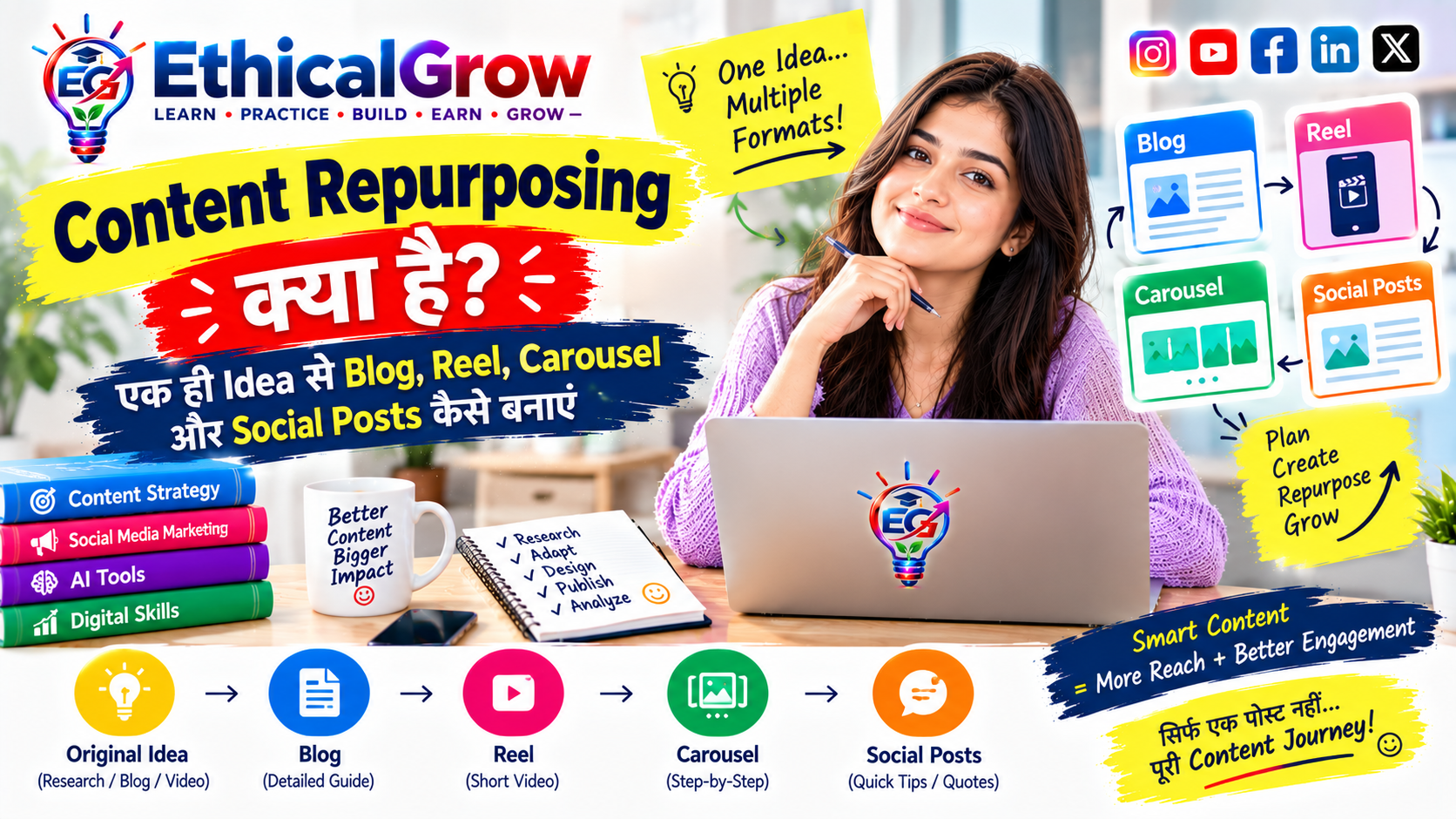
Day 12 — Content repurposing क्या है?
एक blog से:
- Carousel
- Reel script
- Story poll
- Quote card
- FAQ post
Day 13 — AI output को human review कैसे दें?
- Facts verify करें
- Generic lines हटाएं
- Personal examples जोड़ें
- Repetition कम करें
- Unsupported claims हटाएं
Day 14 — Weekly content audit
Check करें:
- कौन-सा format आसान लगा?
- कौन-सा post save हुआ?
- कहाँ audience confused रही?
- क्या सुधारना है?
Week 3: SEO और Discovery Week
Day 15 — Social media SEO क्या है?
Day 16 — Caption में keywords कैसे naturally use करें?
Day 17 — Hashtags के बारे में realistic approach
Day 18 — Image alt text क्यों जरूरी है?
Day 19 — Search intent के अनुसार content कैसे बनाएं?
Day 20 — Blog और social media का connection
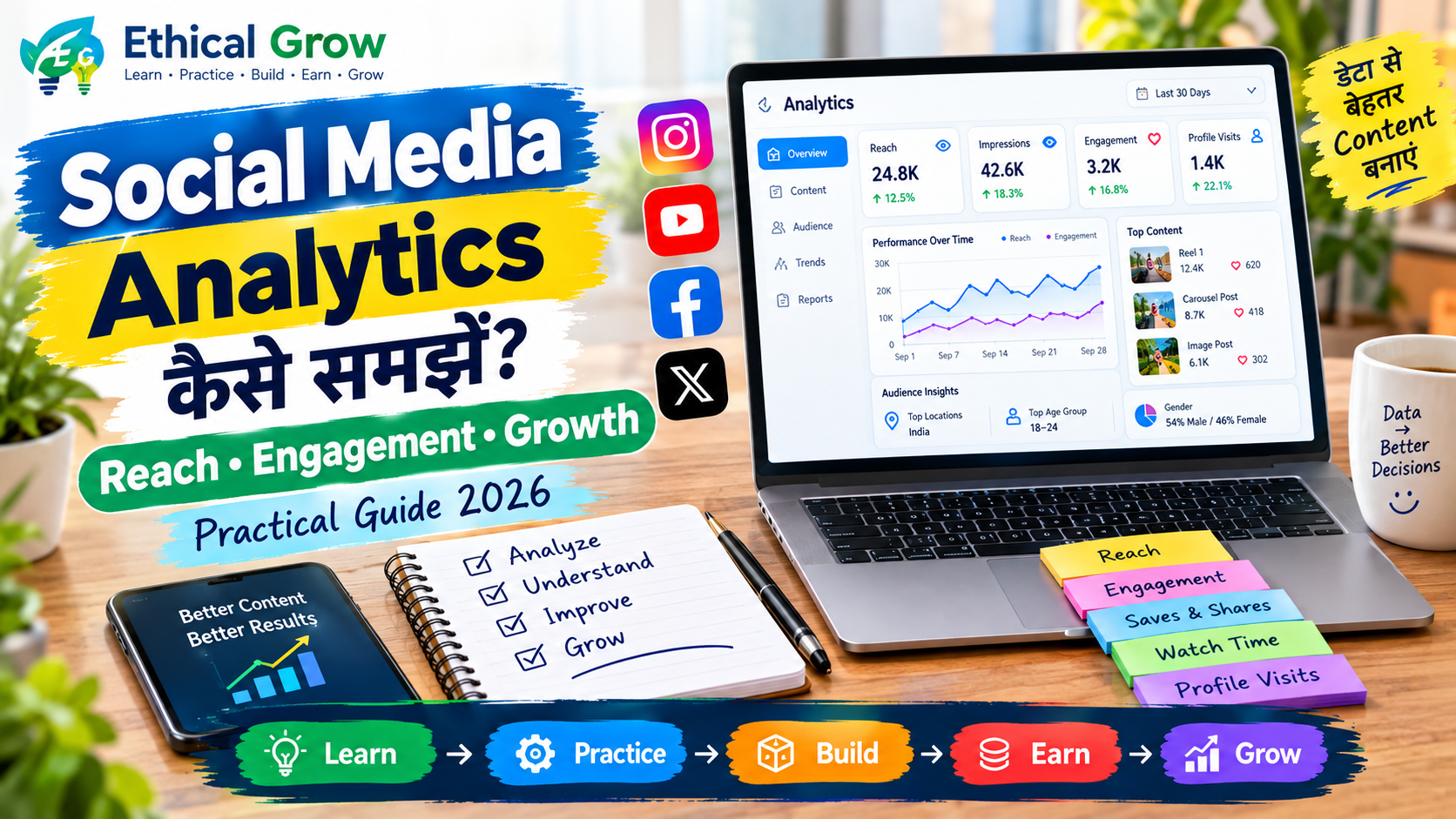
Day 21 — Weekly analytics review
Focus करें:
- Reach
- Impressions
- Saves
- Shares
- Watch time
- Profile visits
- Link clicks
Metrics को context के साथ देखें। केवल views से quality तय नहीं होती।
Week 4: Growth और Portfolio Week
Day 22 — Beginner portfolio में क्या रखें?
Day 23 — 3 practical content projects
- Educational carousel
- Short tutorial reel
- SEO-friendly blog
Day 24 — Consistency system कैसे बनाएं?
Day 25 — Content batching क्या है?
एक दिन में:
- 5 ideas
- 3 captions
- 2 scripts
- 1 long-form article
Day 26 — Content approval checklist
Day 27 — Ethical promotion कैसे करें?
- Clear information
- No fake urgency
- No guaranteed outcomes
- No misleading numbers
- No copied content
Day 28 — Learn → Practice → Build → Earn → Grow
Day 29 — 30-day content review
Day 30 — Next month planning
पूरे महीने के data और learning के आधार पर अगले month के pillars और formats तय करें।
Content Calendar में कौन-कौन से columns रखें?
आप Google Sheets, Excel, Notion या अपने Admin Panel में यह columns रख सकते हैं:
| Column | Purpose |
|---|---|
| Date | Publish date |
| Day | Monday, Tuesday आदि |
| Platform | Instagram, Facebook, YouTube |
| Content Pillar | Education, AI, SEO आदि |
| Topic | Post का मुख्य विषय |
| Format | Reel, carousel, blog |
| Objective | Awareness, education, traffic |
| Hook | Opening line |
| Caption | Final copy |
| CTA | Reader से expected next step |
| Visual | Image, thumbnail या video |
| Keywords | SEO और search discovery |
| Status | Idea, Draft, Review, Scheduled, Published |
| Notes | Improvements और analytics |
यह structure team workflow को व्यवस्थित करता है।
AI की मदद से Content Calendar कैसे बनाएं?
AI content planning को तेज कर सकता है, लेकिन quality और originality की जिम्मेदारी creator की रहती है।
AI को इन कामों में use करें
- Topic ideas
- Content pillar expansion
- Weekly plan
- Caption variations
- Reel script outline
- FAQ generation
- Repurposing suggestions
- Title options
- Keyword clustering
- Content gap ideas
AI को इन कामों के लिए blindly use न करें
- बिना review के final facts
- Fake statistics
- Medical, legal या financial claims
- Guaranteed earning statements
- Fake testimonials
- Copied competitor language
- Unsupported ranking claims
Useful Prompt Structure
एक अच्छा prompt इस तरह बनाएं:
- Audience कौन है?
- Topic क्या है?
- Platform कौन-सा है?
- Format क्या है?
- Language कौन-सी है?
- Tone कैसी हो?
- Word limit क्या है?
- कौन-से claims avoid करने हैं?
- CTA क्या होना चाहिए?
Example Prompt
“Hindi/Hinglish में beginner audience के लिए 7-slide Instagram carousel outline तैयार करें। Topic: Social Media Content Calendar कैसे बनाएं। Tone practical और clear हो। प्रत्येक slide में एक useful point और छोटा example दें। Guaranteed growth या viral claims न करें। अंतिम slide में natural learning CTA रखें।”
Social Media Content Calendar में Search Intent कैसे जोड़ें?
Content केवल keywords के लिए नहीं होना चाहिए। यह reader की वास्तविक जरूरत का answer होना चाहिए।
Common Search Intent Types
Informational Intent
Reader जानना चाहता है:
- Content calendar क्या है?
- Content pillar क्या होता है?
- Engagement और reach में अंतर क्या है?
Practical Intent
Reader सीखना चाहता है:
- Calendar बनाना कैसे शुरू करें?
- 30-day plan कैसे बनाएं?
- Caption structure कैसे तैयार करें?
Comparison Intent
Reader compare करना चाहता है:
- Reel बनाम carousel
- Organic बनाम paid promotion
- Manual planning बनाम AI-assisted planning
Action Intent
Reader कोई काम करना चाहता है:
- Template download
- Course explore
- Blog पढ़ना
- Practice project शुरू करना
हर post publish करने से पहले पूछें:
यह content किस प्रश्न का उत्तर दे रहा है?
EthicalGrow के लिए Internal-Link Opportunities
इस article से आप Ethical Grow website के relevant pages और blogs को naturally link कर सकते हैं।
Possible internal-link topics:
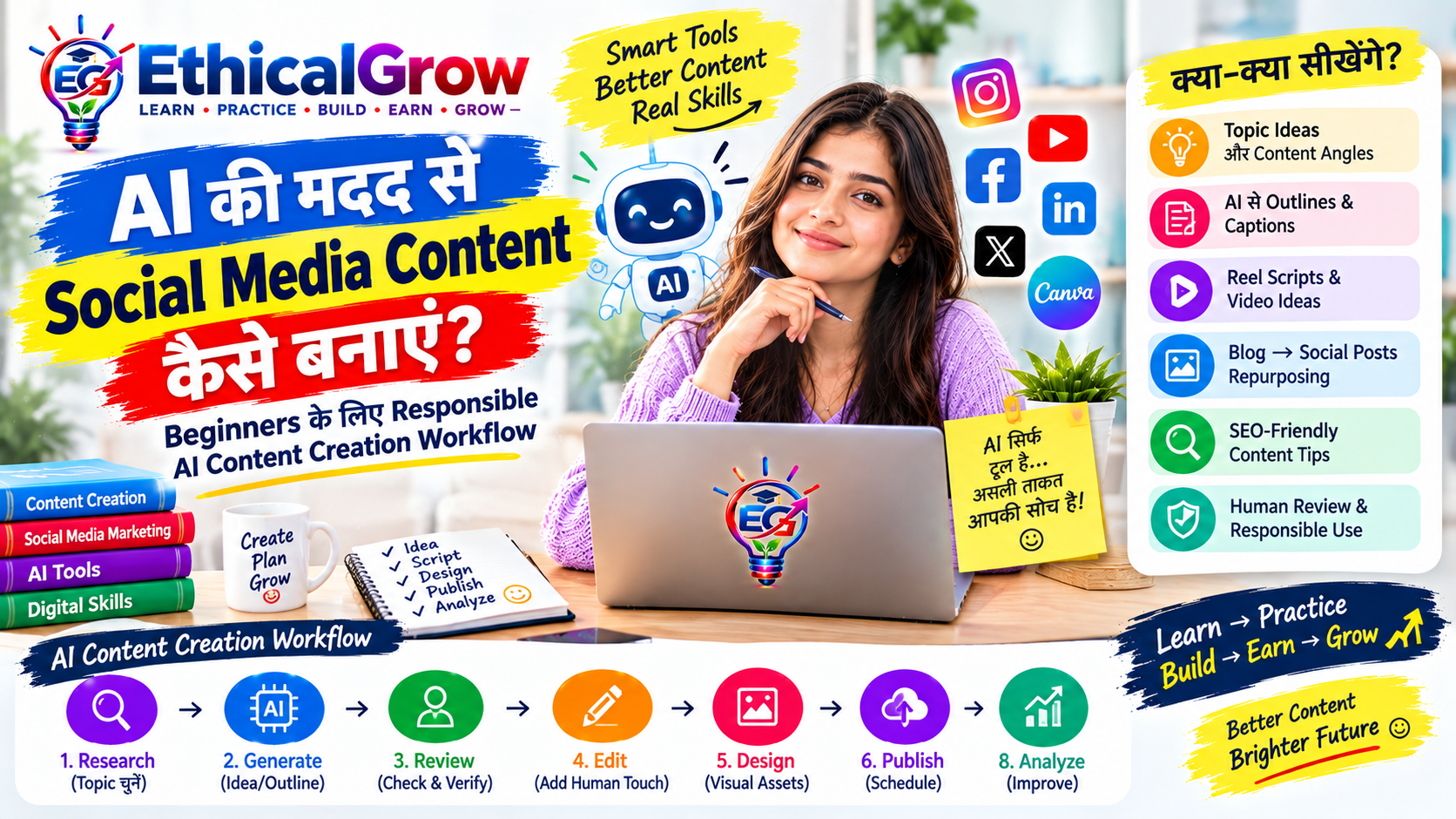
- AI से Social Media Content कैसे बनाएं?
- Social Media Analytics कैसे समझें?
- Digital Marketing की 7 Core Skills
- Google SEO Course
- Content Creation Course
- Instagram Mastery Course
- Canva Pro Course
- VN Video Editor Course
- Facebook Ads Course
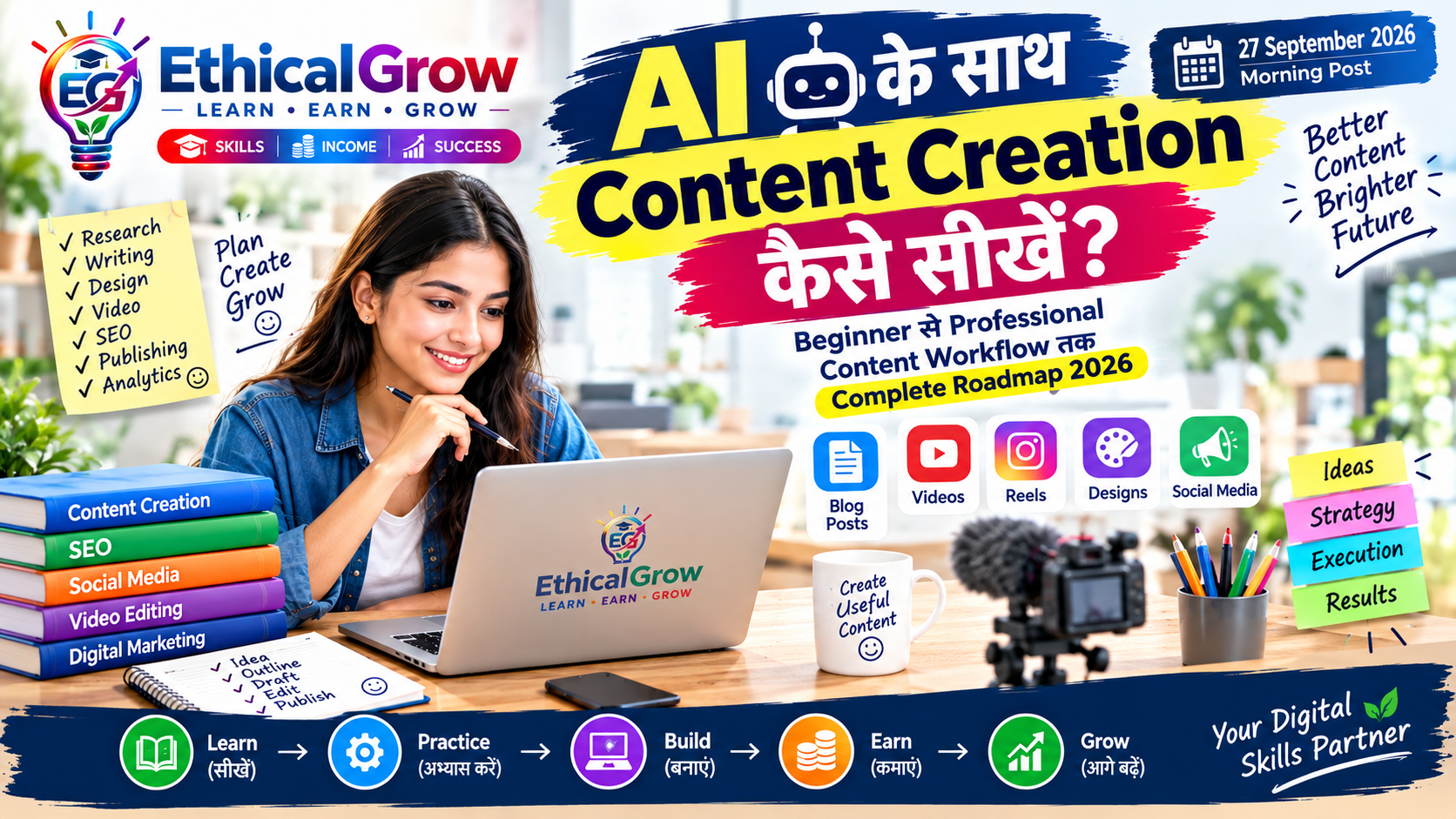
- AI Content Creation Roadmap 2026
Internal links जोड़ते समय:
- केवल relevant anchor text उपयोग करें
- हर paragraph में link भरने की कोशिश न करें
- reader के next step को ध्यान में रखें
- promotional language को informative रखें
उदाहरण:
यदि आप caption, reel script और social media planning को structured तरीके से सीखना चाहते हैं, तो Ethical Grow के Content Creation और Instagram Mastery Course से जुड़े learning resources देख सकते हैं।
Image और Thumbnail Guidance
इस article के लिए image बनाते समय visual clean, readable और professional होना चाहिए।
Suggested Visual Concept
- Laptop screen पर 30-day content calendar
- Side में Instagram, Facebook और YouTube icons
- Sticky notes या planner view
- Content pillars के छोटे labels
- Background में modern digital workspace
- Ethical Grow branding
- Minimal लेकिन useful infographic elements
Thumbnail Text
30-Day Social Media Content Calendar
Alternative:
Content Planning सीखें — Beginner Roadmap 2026
Thumbnail Design Guidance
- Text बहुत छोटा न हो
- Mobile view पर भी readable रहे
- 2 से अधिक font styles न रखें
- Contrast clear रखें
- Visual में बहुत अधिक icons न भरें
- Logo को safe margin के भीतर रखें
- Promise-based words जैसे “100% Viral” या “Guaranteed Growth” से बचें
Article के लिए Image Alt Text Guidance
Alt text descriptive और natural होना चाहिए।
Good Alt Text
“Social media content calendar में 30-day post planning और content pillars दिखाने वाला infographic”
Avoid
- image1
- best social media growth guaranteed
- keyword stuffing वाला बहुत लंबा text
- misleading description
Article/BlogPosting Schema Guidance
इस article को publish करते समय BlogPosting schema में निम्न fields रखें:
- @type: BlogPosting
- headline
- description
- image
- author
- publisher
- datePublished
- dateModified
- mainEntityOfPage
- articleSection
- keywords
- inLanguage
Schema में वही information रखें जो article page पर वास्तव में visible हो।
30-Day Actionable Roadmap
Days 1–7: Learn
- Content calendar का basic structure समझें
- Audience persona बनाएं
- 5 content pillars चुनें
- 20 topic ideas लिखें
- 3 content formats तय करें
Days 8–14: Practice
- 3 carousel outlines बनाएं
- 2 short reel scripts लिखें
- 1 blog post draft तैयार करें
- 5 captions का अभ्यास करें
- AI prompts का responsible use करें
Days 15–21: Build
- अपना content tracker बनाएं
- एक consistent visual style तय करें
- 7-day publishing batch तैयार करें
- Internal-link opportunities जोड़ें
- Content review checklist बनाएं
Days 22–30: Earn Through Skills, Then Grow
यहाँ “Earn” का अर्थ guaranteed income नहीं है। इसका अर्थ है कि सीखी हुई skills को legitimate opportunities में apply करना:
- Freelance content work
- Social media assistant projects
- Small business support
- Portfolio-based applications
- Internship या project collaboration
इसके बाद:
- Analytics review करें
- Feedback लें
- Better topics चुनें
- Workflow improve करें
- अगले month की planning करें
यही Ethical Grow का framework है:
Learn → Practice → Build → Earn → Grow
Common Mistakes जिन्हें Avoid करना चाहिए
1. हर दिन केवल promotion करना
Audience को लगातार sales copy देने के बजाय useful education दें।
2. बिना goal के posting
हर post का objective तय करें।
3. सिर्फ trends के पीछे भागना
हर trend आपके brand या audience के लिए relevant नहीं होता।
4. AI content को बिना edit publish करना
AI output को human review, fact-check और originality की जरूरत होती है।
5. बहुत लंबे paragraphs
Mobile audience के लिए छोटे paragraphs और clear headings रखें।
6. Unsupported promises
“Guaranteed growth”, “100% result”, “fixed income” जैसी language से बचें।
7. Analytics को केवल views तक सीमित करना
Saves, shares, watch time, profile actions और quality feedback भी important हैं।
FAQ
Social Media Content Calendar क्या beginners के लिए जरूरी है?
हाँ। Beginners के लिए calendar confusion कम करता है, consistency improve करता है और content planning को manageable बनाता है।
30-day content calendar एक साथ बनाना चाहिए?
आप पूरा 30-day outline बना सकते हैं, लेकिन final captions और visuals weekly batches में तैयार करना practical रहता है।
क्या AI पूरा content calendar बना सकता है?
AI ideas और structure देने में मदद कर सकता है, लेकिन audience understanding, originality, review और final decision creator को ही लेना चाहिए।
Social media पर कितनी बार post करना चाहिए?
एक fixed universal number नहीं है। ऐसी frequency चुनें जिसे आप quality के साथ consistently maintain कर सकें।
क्या हर post में CTA जरूरी है?
हर post में aggressive CTA जरूरी नहीं है। Educational posts में save, read, practice या explore जैसे natural next steps उपयोगी हो सकते हैं।
Content calendar और content strategy में क्या अंतर है?
Content strategy बताती है कि क्या, क्यों और किस audience के लिए बनाना है। Content calendar बताता है कि किस दिन, किस format में क्या publish होगा।
क्या सिर्फ Instagram के लिए calendar बनाया जा सकता है?
हाँ। लेकिन यदि आप Instagram, Facebook, YouTube और blog को साथ चलाते हैं, तो एक integrated calendar अधिक useful हो सकता है।
क्या followers बढ़ना ही success का सबसे बड़ा measure है?
नहीं। Relevant reach, saves, shares, watch time, website actions, enquiries, skill improvement और audience trust भी important measures हैं।
Final Publishing Checklist
Publish करने से पहले यह checklist देखें:
Content
- Topic clear है
- Search intent match करता है
- Practical examples जोड़े गए हैं
- Repetition हटाई गई है
- Reader को next step दिया गया है
SEO
- SEO title तैयार है
- Meta description तैयार है
- Primary keyword natural है
- Secondary keywords relevant हैं
- Slug clean है
- H1/H2/H3 structure सही है
- Internal-link opportunities जोड़ी गई हैं
- Image alt text लिखा गया है
- Schema guidance तैयार है
Mobile Readability
- Paragraphs छोटे हैं
- Headings clear हैं
- Tables mobile पर readable हैं
- Images compressed हैं
- Buttons और links आसानी से tap हो रहे हैं
- Thumbnail text छोटा नहीं है
Policy और Trust
- कोई guaranteed income claim नहीं
- कोई guaranteed ranking claim नहीं
- कोई fake testimonial नहीं
- कोई copied/reused content नहीं
- कोई misleading urgency नहीं
- कोई spammy engagement bait नहीं
- AI content human-reviewed है
Conclusion
Social Media Content Calendar एक simple list नहीं, बल्कि एक practical operating system है। यह आपको random posting से structured content creation की ओर ले जाता है। जब आप audience, goals, content pillars, formats, search intent और analytics को एक साथ plan करते हैं, तो content अधिक useful, consistent और sustainable बनता है।
Beginners को शुरुआत में perfect calendar बनाने की जरूरत नहीं है। पहले 7 दिन की planning करें, फिर 30-day system बनाएं। एक topic को अलग-अलग formats में repurpose करें। AI को assistant की तरह use करें, replacement की तरह नहीं। हर content में originality, clarity और reader value बनाए रखें।
Ethical Grow के learning approach के अनुसार:
- पहले skill सीखें
- फिर नियमित practice करें
- अपने projects build करें
- उन skills को legitimate work opportunities में apply करें
- और feedback के आधार पर grow करें
यही practical, responsible और long-term content journey है।